SQL Server Integration Services has been the workhorse of Microsoft-shop ETL for over two decades. Millions of .dtsx packages run nightly across enterprises worldwide, moving data between SQL Server databases, flat files, mainframes, and cloud endpoints. SSIS works. It has worked for a long time. But the ground is shifting, and migration teams need a clear playbook for moving SSIS workloads to Azure Fabric Data Factory.
This article is that playbook. We will cover why organizations are moving off SSIS, how SSIS concepts map to Fabric equivalents, and what a phased migration process looks like in practice.
Why Move Off SSIS?
SSIS is not broken. But it is showing its age in ways that increasingly matter to enterprise data teams.
SQL Server Dependency
SSIS is tightly coupled to SQL Server. The SSIS runtime requires a Windows server. The SSIS Catalog (SSISDB) is a SQL Server database. Package deployment, execution, and monitoring all depend on SQL Server infrastructure. For organizations moving their data estate to the cloud — or even to Linux-based infrastructure — this Windows and SQL Server dependency becomes a bottleneck. You cannot run SSIS natively on Azure Kubernetes Service, on Linux VMs, or on any non-Microsoft cloud platform.
Yes, Azure Data Factory offers an SSIS Integration Runtime that hosts SSIS packages in the cloud. But this is a compatibility shim, not a modernization. You are still running the same .dtsx packages on a managed Windows VM. The execution model, the expression language, the debugging experience — they are all the same 2005-era architecture, just hosted in Azure instead of your data center.
Limited Cloud Scale
SSIS was designed for single-server execution. A package runs on one machine, using that machine's CPU and memory. For datasets that fit in memory on a single server, this works fine. For terabyte-scale transformations, it does not. SSIS has no native distributed execution model. You cannot scale a data flow across a cluster of machines the way Spark distributes work across executors. As data volumes grow, SSIS becomes the ceiling.
Talent Gap
The pool of engineers who know SSIS deeply — who understand the Buffer Manager, the data flow pipeline engine, custom Script Components in C#, and SSIS expression syntax — is shrinking. New graduates learn Python, SQL, and Spark. They learn dbt, Airflow, and Databricks. They do not learn SSIS. Hiring for SSIS expertise is increasingly difficult and expensive, and the engineers you do hire carry skills that are not transferable to modern platforms.
End-of-Life Concerns
While Microsoft has not announced an explicit end-of-life date for SSIS, the strategic direction is unmistakable. Microsoft's investment is in Fabric, not in new SSIS features. The last major SSIS feature release was with SQL Server 2019. SQL Server 2022 added no significant SSIS capabilities. Every new data integration feature — Dataflows Gen2, pipeline expressions, Fabric notebooks — ships in Fabric, not SSIS. Organizations that wait for an explicit EOL announcement may find themselves scrambling to migrate under time pressure.

SSIS to Azure Fabric migration — automated end-to-end by MigryX
SSIS to Fabric Data Factory: Concept Mapping
The first step in any migration is understanding how the source platform's concepts translate to the target. SSIS and Fabric Data Factory share a common intellectual ancestor — they both orchestrate data movement and transformation — but the implementation details differ significantly.
Control Flow to Pipeline Activities
In SSIS, the control flow defines the execution order of tasks within a package. Tasks include Execute SQL, Data Flow, For Each Loop, Script Task, and dozens of others. Precedence constraints connect tasks with success, failure, or expression-based conditions.
In Fabric Data Factory, the equivalent is a pipeline with activities. Each SSIS task maps to a Fabric activity. Precedence constraints become activity dependencies with success, failure, or completion conditions. The concepts are analogous, but the implementation is JSON-based pipeline definitions instead of XML-based .dtsx files.
Data Flow to Dataflows Gen2
The SSIS Data Flow Task is where row-level transformations happen: sources, lookups, conditional splits, derived columns, aggregations, and destinations. In Fabric, the closest equivalent is Dataflows Gen2 — a Power Query-based transformation engine that provides a visual interface for data transformation with M language under the hood.
For complex data flows — especially those with Script Components, custom transformations, or performance-sensitive logic — the better target is often a Fabric Spark Notebook. Spark provides the distributed execution model that SSIS data flows lack, and PySpark code is more maintainable than C# Script Components for most teams.
Expressions to Fabric Expressions
SSIS has its own expression language for variables, precedence constraints, and property expressions. Fabric Data Factory has its own expression language as well, based on a different syntax. The mapping is mostly straightforward — string functions, date functions, conditional logic — but the syntax differs. @[User::FileName] in SSIS becomes @pipeline().parameters.FileName in Fabric. DATEADD("dd", -1, GETDATE()) in SSIS becomes adddays(utcnow(), -1) in Fabric.
Package Configurations to Parameterization
SSIS packages use package parameters, project parameters, and environment variables (in the Project Deployment Model) to externalize configuration. Connection strings, file paths, date ranges, and runtime flags are all parameterized this way.
In Fabric, the equivalent is pipeline parameters and global parameters. Parameters are defined at the pipeline level or workspace level, and passed to activities at runtime. Triggers can supply parameter values for scheduled executions. The model is cleaner than SSIS's layered configuration system, but every parameter must be explicitly mapped during migration.
MigryX: Purpose-Built Parsers for Every Legacy Technology
MigryX does not rely on generic text matching or regex-based parsing. For every supported legacy technology, MigryX has built a dedicated Abstract Syntax Tree (AST) parser that understands the full grammar and semantics of that platform. This means MigryX captures not just what the code does, but why — understanding implicit behaviors, default settings, and platform-specific quirks that generic tools miss entirely.
SSIS to Fabric: Component-by-Component Mapping
The following table provides a direct mapping between SSIS components and their Fabric Data Factory equivalents. This mapping drives the automated conversion logic that migration tools use to translate .dtsx packages into Fabric pipeline definitions.
| SSIS Component | Fabric Equivalent |
|---|---|
| Execute SQL Task | SQL activity (Script activity) |
| Data Flow Task | Dataflow Gen2 / Spark Notebook |
| For Each Loop Container | ForEach activity |
| Connection Managers | Linked services / connections |
| Package Parameters | Pipeline parameters |
This is not a one-to-one mapping in every case. Some SSIS components have multiple possible Fabric targets depending on complexity and team preference. A simple Data Flow Task with a source, a few derived columns, and a destination might map cleanly to a Dataflow Gen2. A complex Data Flow Task with Script Components, error row routing, and custom buffer handling is better served by a Spark Notebook that provides full programmatic control.
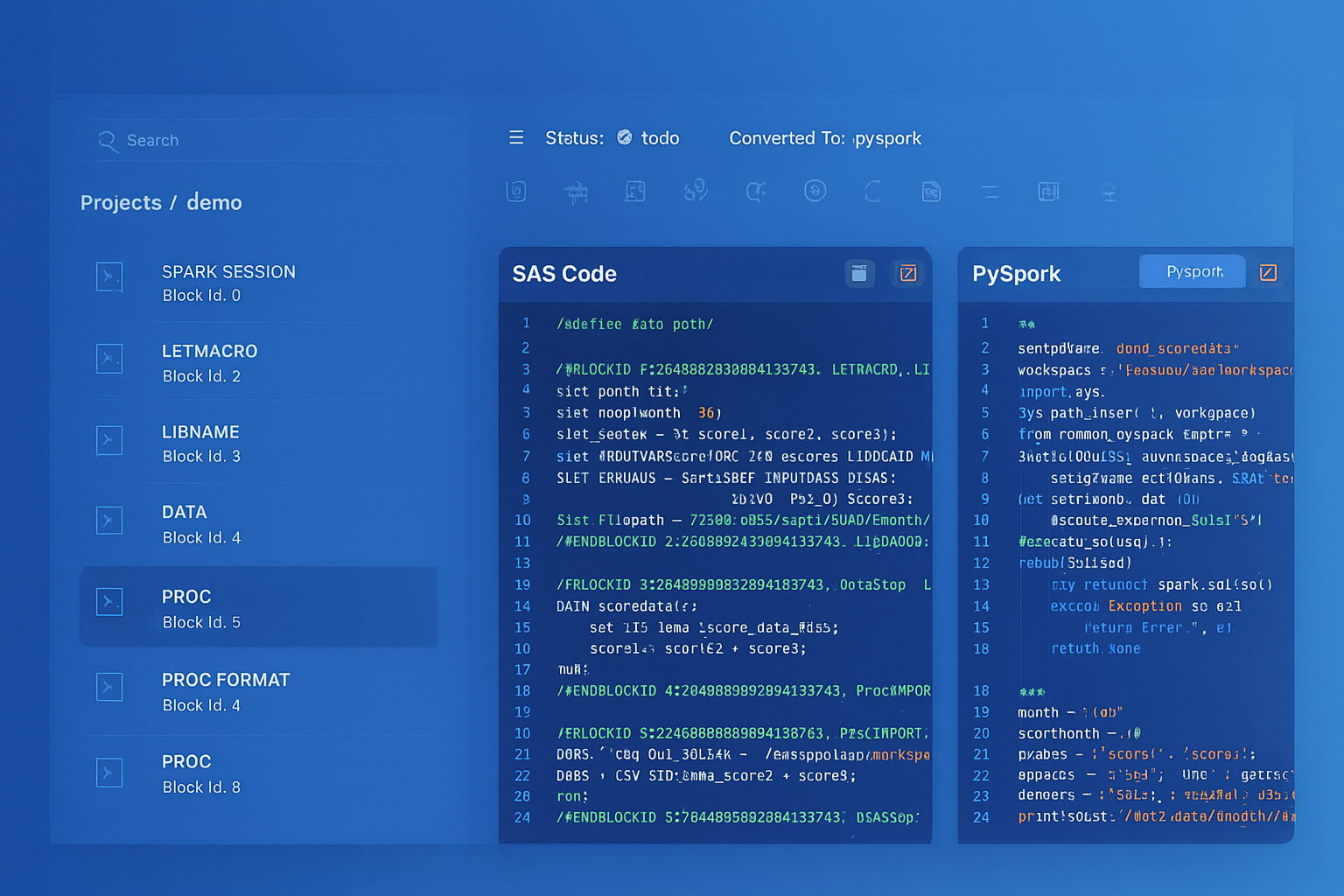
From parsed legacy code to production-ready modern equivalents — MigryX automates the entire conversion pipeline
From Legacy Complexity to Modern Clarity with MigryX
Legacy ETL platforms encode business logic in visual workflows, proprietary XML formats, and platform-specific constructs that are opaque to standard analysis tools. MigryX’s deep parsers crack open these proprietary formats and extract the underlying data transformations, business rules, and data flows. The result is complete transparency into what your legacy code actually does — often revealing undocumented logic that even the original developers had forgotten.
The Migration Process: A Phased Approach
Migrating SSIS packages to Fabric Data Factory is not a weekend project. A typical enterprise has hundreds or thousands of .dtsx packages, many of which have been accumulating for over a decade. Some are well-documented. Many are not. Some are critical production workloads. Others are abandoned prototypes that still run because nobody remembers what they do.
Phase 1: Assess Complexity
Before converting a single package, you need an inventory. Parse every .dtsx file in your SSIS Catalog and extract:
- Component inventory — how many Execute SQL Tasks, Data Flow Tasks, Script Tasks, For Each Loops, and other components exist across all packages
- Connection managers — what source and target systems do the packages connect to (SQL Server, Oracle, flat files, FTP, web services)
- Expression complexity — how many SSIS expressions are used, and how complex are they (simple variable references vs. nested function calls)
- Script Task analysis — how many packages contain C# Script Tasks or Script Components, and what do they do (file manipulation, API calls, custom transformations)
- Dependency graph — which packages call other packages via Execute Package Task, and what is the full execution tree
- Execution frequency — which packages run hourly, daily, weekly, or are ad-hoc, to prioritize migration order
This assessment produces a migration complexity score for each package: low (direct mapping), medium (expression translation and restructuring), or high (Script Tasks, custom components, complex data flows requiring manual review).
Phase 2: Auto-Convert with MigryX
For the majority of packages — those rated low or medium complexity — automated conversion handles the heavy lifting. MigryX parses the .dtsx XML with full awareness of SSIS's control flow model, data flow pipeline, expression language, and configuration system. It generates Fabric Data Factory pipeline JSON, Spark notebooks for complex data flows, and parameterization mappings for connection managers and package variables.
MigryX automates the bulk of SSIS-to-Fabric conversion across control flow, data flow, and configuration layers — including expression translation, connection extraction, and dependency resolution.
Phase 3: Manual Refinement for Script Tasks
Script Tasks are the one area where full automation is not possible. SSIS Script Tasks contain arbitrary C# code that can do anything: call REST APIs, manipulate files, perform encryption, interact with COM objects, or implement custom business logic that does not exist in any standard component. Each Script Task must be reviewed, understood, and rewritten — typically as a Python function within a Fabric Notebook activity.
MigryX accelerates this phase by extracting the C# code from each Script Task, identifying the inputs and outputs, documenting the behavior, and generating a Python skeleton with equivalent structure. The migration engineer fills in the implementation details, but the scaffolding and documentation are already done.
Phase 4: Parallel-Run Validation
The final phase is validation. Run the original SSIS package and the new Fabric pipeline in parallel, feeding both the same input data. Compare outputs row by row, column by column. Verify:
- Row counts — do source and target produce the same number of rows?
- Column values — do all columns match, accounting for acceptable differences in floating-point precision and date formatting?
- Error handling — do both pipelines handle bad data the same way (reject, redirect, log)?
- Execution timing — does the Fabric pipeline complete within acceptable time windows?
- Orchestration behavior — do triggers, retries, and failure notifications work as expected?
Only after parallel-run validation confirms parity should the SSIS package be decommissioned and the Fabric pipeline promoted to production.
MigryX SSIS Conversion
MigryX parses .dtsx XML packages with full control flow and data flow lineage — extracting SSIS expressions, connection managers, and package configurations — then generates Fabric Data Factory pipeline definitions and Spark notebooks.
Migrating from SSIS to Fabric Data Factory is a significant undertaking, but it is not an impossible one. The conceptual mapping between the two platforms is well-defined. The majority of packages can be auto-converted. The exceptions — Script Tasks and highly custom components — are identifiable in advance and can be planned for.
The organizations that execute this migration successfully are the ones that start with a complete assessment, automate the bulk of conversion, allocate engineering time for the manual edge cases, and validate ruthlessly before going live. The tooling exists. The patterns are proven. The only question is when you start.
Why MigryX Is the Only Platform That Handles This Migration
The challenges described throughout this article are exactly what MigryX was built to solve. Here is how MigryX transforms this process:
- Deep AST parsing: MigryX’s custom-built parsers achieve 95% accuracy on every supported legacy technology — not through approximation, but through true semantic understanding.
- Merlin AI augmentation: Where deterministic parsing reaches its limit, Merlin AI resolves ambiguities and implicit behaviors, pushing accuracy to 99%.
- Complete coverage: MigryX supports 25+ source technologies including SAS, Informatica, DataStage, SSIS, Alteryx, Talend, ODI, Teradata, and Oracle PL/SQL.
- End-to-end automation: From parsing to conversion to validation — MigryX automates the entire pipeline, not just one step.
MigryX combines precision AST parsing with Merlin AI to deliver 99% accurate, production-ready migration — turning what used to be a multi-year manual effort into a streamlined, validated process. See it in action.
Ready to migrate your SSIS packages to Fabric?
See how MigryX automates .dtsx conversion with full lineage and validation.
Schedule a Demo